Platforms and specs
Updated
Install the demo on Windows if you want to play something now. Both the unreleased full game and the free demo list Windows as the only platform. Mac and Linux flags are false on both apps. The language table on both pages checks English for the interface, for full audio, and for subtitles, and it has no second language row.
Platforms, languages, and the demo’s extra flags
The full game’s categories are Single-player and Family Sharing. The demo’s categories add Game demo, Adjustable Difficulty, Playable without Timed Input, and Save Anytime. The demo’s store payload also sets a flag for playable at your own pace. The English name of that last flag is the payload’s own boolean, bAccessibilityPlayableAtYourOwnPace. The raw category key in app details is an untranslated token, so the name used here is the boolean’s own name. Those four accessibility flags are on the demo. They are not on the full game’s category list.
Family Sharing is listed only on the full game. There is no Steam Deck compatibility row on either page. The page data includes an empty Deck blog URL and no Verified, Playable, or Unsupported result. Do not fill that in.
Age ratings are not a review score. The required-age field is 0 on both apps. The rating rows in app details are DEJUS 10 with the descriptor Medo, the German Steam row 6 with Ängstigende Inhalte, and IGRS 18 with Horor and Kekerasan. The full game has no user reviews. The demo shows one user review and says that is not enough to generate a score.
The requirement lines, quoted
The processor and sound lines are jokes. Quote them. Do not convert “2x AAA Battery” into a CPU model, and do not convert “Space Noise Cancellation” into a real audio device.
| Block | OS | Processor line | Memory | Graphics | Storage | Sound card line | Extra line |
|---|---|---|---|---|---|---|---|
| Full game, minimum | Windows 10 (64-bit) | 2x AAA Battery | 4 GB RAM | DX11, DX12 | 2 GB available space | Space Noise Cancellation | No separate 64-bit sentence in this block |
| Full game, recommended | Windows 10 (64-bit) | 4x AAA Battery | 8 GB RAM | DX11, DX12 | 2 GB available space | Space Noise Cancellation | No separate 64-bit sentence in this block |
| Demo, minimum | Windows 10 (64-bit) | 2x AAA Battery | 4 GB RAM | DX11, DX12 | 2 GB available space | Space Noise Cancellation | Requires a 64-bit processor and operating system |
| Demo, recommended | Windows 10 (64-bit) | 4x AAA Battery | 8 GB RAM | DX11, DX12 | 2 GB available space | Space Noise Cancellation | Requires a 64-bit processor and operating system |
The full-game blocks and the demo blocks share the OS, graphics, storage, and sound lines. Memory is 4 GB on minimum and 8 GB on recommended. The processor line is “2x AAA Battery” on minimum and “4x AAA Battery” on recommended. Only the demo blocks add the sentence “Requires a 64-bit processor and operating system.” The Mac and Linux requirement blocks on the demo are empty lists inside the page data. An empty list is not a Mac or Linux build. The platform flags already say Windows only.
Controller support is a note, not a store category
On 24 November 2026 both apps returned an empty controller category list. The store widget’s full and partial Xbox flags, and the PlayStation flags, were false, and the controller-support field in app details was empty. The same day, the 1.5.0 announcement from 22 November 2026 was already live, and it says the demo build gained full controller support with customizable bindings and sensitivity. Both facts stand. If you are deciding whether to plug in a pad, the announcement is the claim to read, and the store feature row does not currently confirm it. Demo updates has the rest of that note, including the keyboard shortcut Ctrl+R for the next music track.
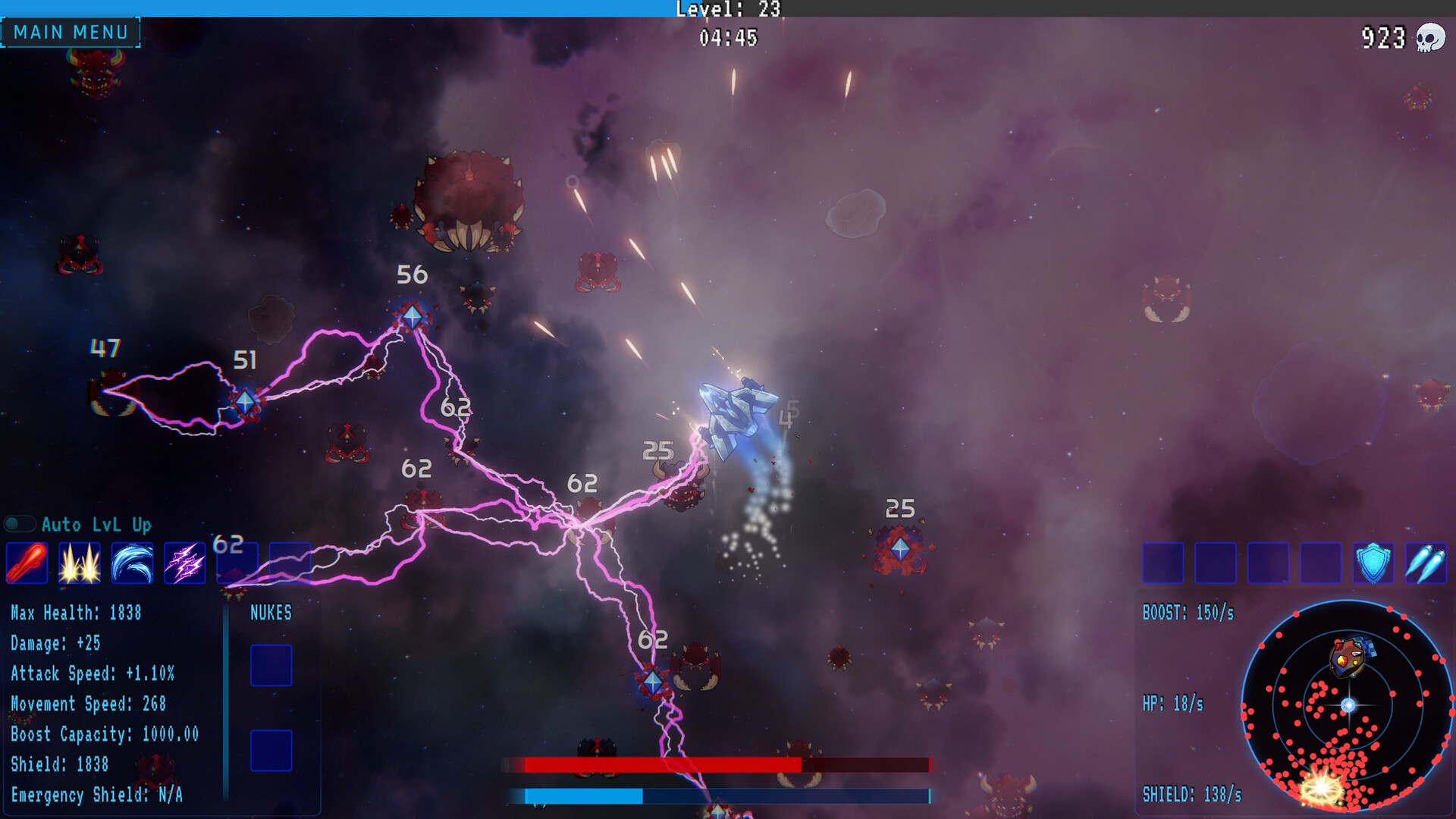
The lightning frame above does not print an aim key or a boost key. Three other official frames do: the beam shot, the level-up card shot, and the shrine-card shot each print Aim: Homing (R) and Boost: Normal (Shift). Those printed keys are still not a full binding list. Patch 1.4.1, on 8 August 2026, announced customizable primary and secondary keybindings and reverse movement on S or Down. A label baked into a store image can lag a later note, the same way the store’s short demo sentence lags the patch feed. Demo and full game covers that sentence. Common questions answers whether any of this means you can buy the full game. You cannot.
Verdict: Plan on Windows and English. Treat the battery and “space noise” lines as the store’s own joke text. Treat controller support as a 22 November 2026 demo announcement that the store category row, checked two days later, still does not list.
All pages in this section
FAQ
Does the full game run on Mac or Linux?
The platform flags say no. Only Windows is true.
Is there a Steam Deck rating?
No rating is shown on either store page.
Why do the specs mention batteries?
That is the processor line Steam prints, on minimum and on recommended. Leave it as that line.
Which binding list is current?
The lightning frame on this page does not print aim or boost keys. The beam, card, and shrine frames do print Aim: Homing (R) and Boost: Normal (Shift). Patch 1.4.1 announced rebinding. Patch 1.5.0 announced controller bindings. There is no single store diagram that combines all three.
Sources: Steam store pages and app details for 4657890 and 4767530, plus demo patch 1.5.0