Trailers and screenshots
Updated
The store hosts two trailers and eight screenshots. Both trailers play from Steam’s own video files. There is no YouTube id on either app, so there is no YouTube embed here. The eight screenshot files are the same on the full-game page and the demo page: each pair shares an image hash. A frame is store media. It is not a record of a play session by this site, and it is not labeled as “full game only” or “demo only.”
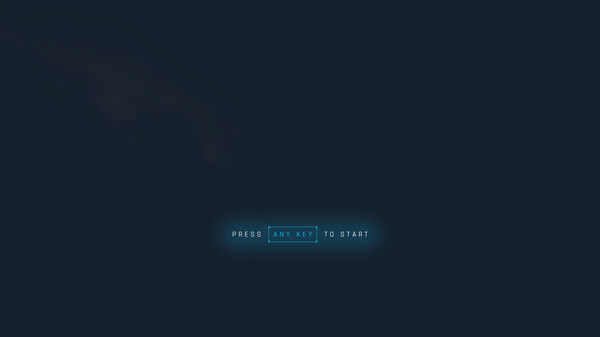
The two trailers
The full-game page’s movie is titled Destroy The Moon Teaser Trailer. Its thumbnail, above, is the press-any-key card. It does not show combat, a weapon, or a menu of modes.
The demo page’s movie is titled Destroy The Moon Demo Gameplay Trailer, Steam video id 257518887. Its thumbnail is a blue tunnel of rings around a bright center, with white streaks. It has no HUD and no readable weapon name.

What the screenshots actually contain
The header used on the home page is the full-game capsule art: the logo across a crescent, a blue ship at the lower left, and yellow, pink, and blue beams among rocks. The demo header is that same illustration with a green corner ribbon and a disc icon, which is Steam’s demo mark on the image. It is not a second piece of key art.
The combat frames that other pages use are worth naming here so the captions stay tied to the pixels. One frame, used on What the game is, shows a wide white-blue beam, Level 67, and a timer of 10:36. One frame, used on Platforms and specs, shows purple lightning, Level 23, a timer of 04:45, and a kill count of 923. That frame prints Auto Lvl Up and Emergency Shield: N/A. It does not print aim or boost keys. The lines Aim: Homing (R) and Boost: Normal (Shift) are on the beam frame, the level-up card frame, and the shrine-card frame. One frame, used on Demo updates, shows three shrine cards named Projection Slash, Toxic Trail, and Flamethrower, each marked Reward and +2 Upgrades, plus a red Colossus health bar. One frame, used on Demo and full game, prints the words Timed Evolution! and Legendary Toxic Trail! over a green burst at Level 12.
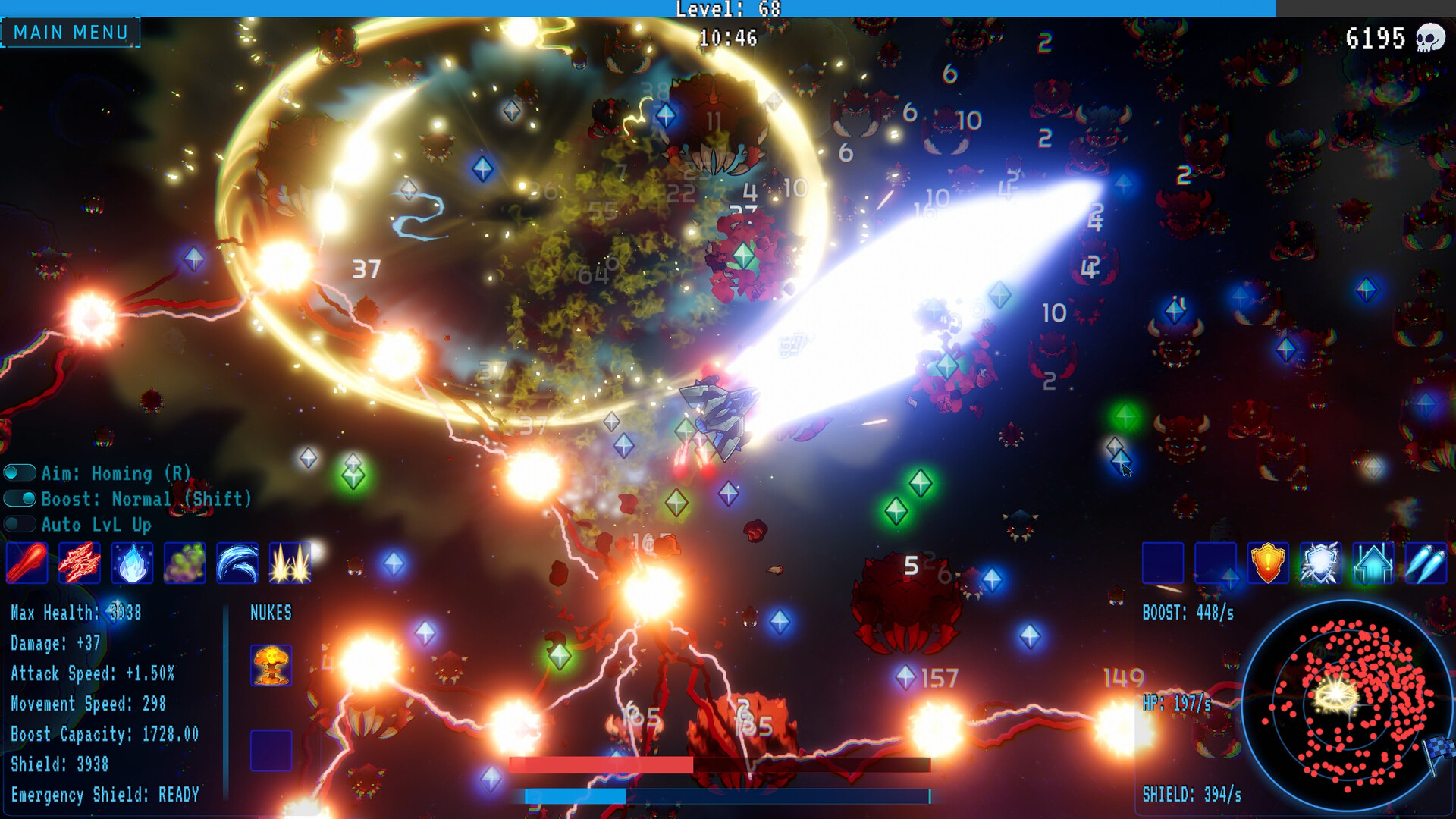
A further combat frame shows orange explosions, a white beam, and purple lightning together, with Emergency Shield READY and a nuke counter. The top of that frame reads Level 68 and 10:46.
Another frame shows level-up cards over a fight. Readable cards include a common “-10% Enemy Move Speed” at 1/4, a common “+1s Duration” at 4/4, and a supreme “Inferno Bullets” at 1/1. The top reads Level 77 and 11:52. The left panel prints Aim: Homing (R) and Boost: Normal (Shift). Those percentages are printed on the cards in the image. They are not a live balance sheet, and later notes have changed other weapon figures. Demo updates is where a changed number belongs, with its date.
The image that does not name the worm
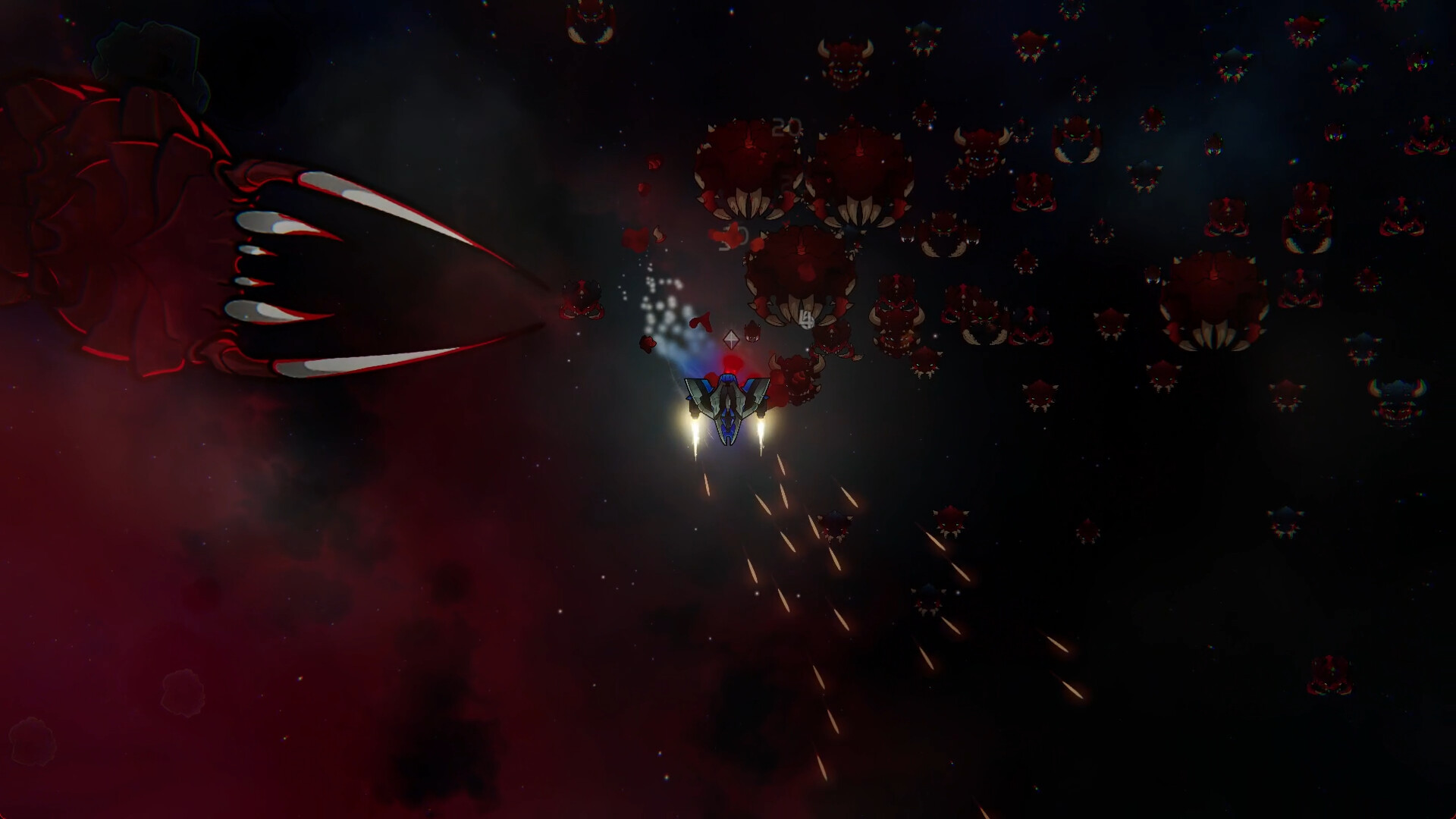
One screenshot has no HUD at all. A huge red segmented form with white teeth fills the left side. A small blue ship near the center is firing. Red horned enemies are on the right. The image does not print the words Space Worm, Killer Worm, or Race Mode. The store’s about text uses the name Space Worm in prose and in the single heading “Space Worm Race Mode & MORE!” The 26 June 2026 note talks about a Space Worm encounter. Those are texts. This picture does not carry the label, so the caption does not add it.
If you need the release status that sits behind all of this media, start at Demo and full game. The full game is still the Q1 2027 coming-soon app. The images do not change that. Common questions answers the date and the price in one place. What the game is is the genre and the pitch, which is where “2D” stays a user tag rather than a caption this page has to defend.
Verdict: Watch the two Steam trailers on the store pages, and read the screenshots for the words they actually print. Do not call the teaser thumbnail gameplay, and do not call the unlabeled red form a named mode just because the about text uses the words Space Worm.
FAQ
Is there a YouTube trailer?
No YouTube id is on either Steam app. Both movies are Steam-hosted.
Are the demo screenshots a different set?
No. The eight files match the full-game files by image hash.
Does a screenshot prove a feature is in the full game?
No. The full game is unreleased. These frames are the store’s shared media.
Sources: Steam store media for apps 4657890 and 4767530, checked 24 November 2026